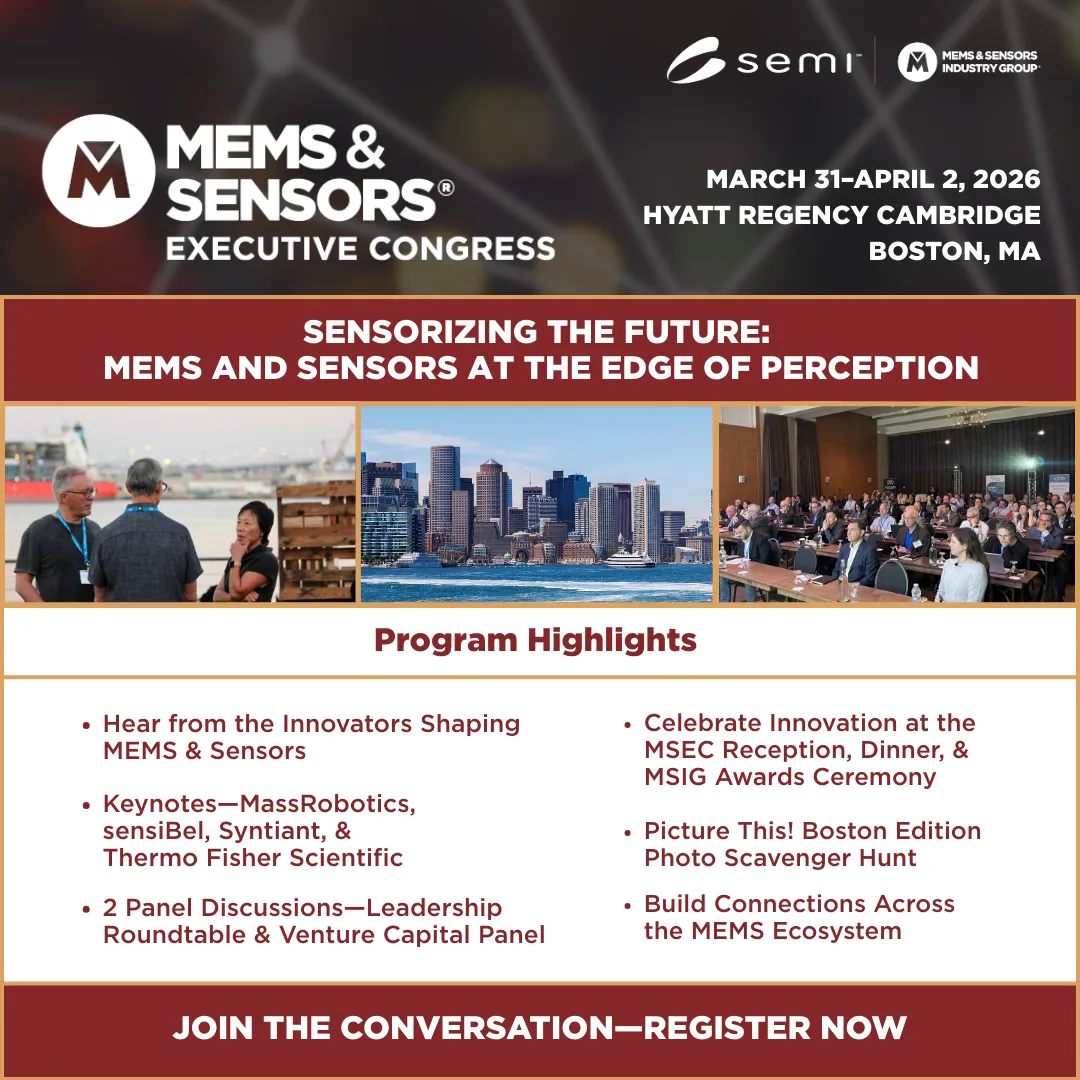
Let your LinkedIn connections know you’re attending MSEC!
Invite your colleagues by sharing one of the custom posts below.
1. Click on the image that applies to you—either attendee, speaker or sponsor
2. You'll be prompted to login LinkedIn and a personalized post will autogenerate with your LinkedIn profile picture, job title, and company.
3. Click on the "Edit" button above your headshot to edit your name, company, and job title. You can also edit the post copy below the graphic.
4. Once everything looks good, click on “Post & Continue” to publish the post on your LinkedIn.
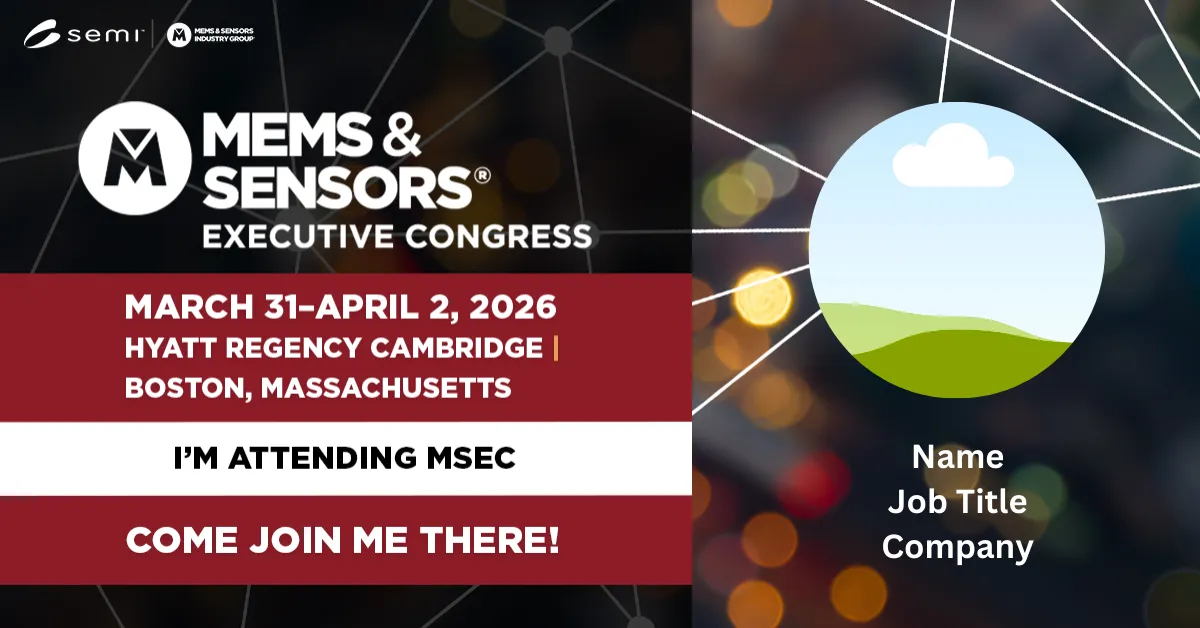
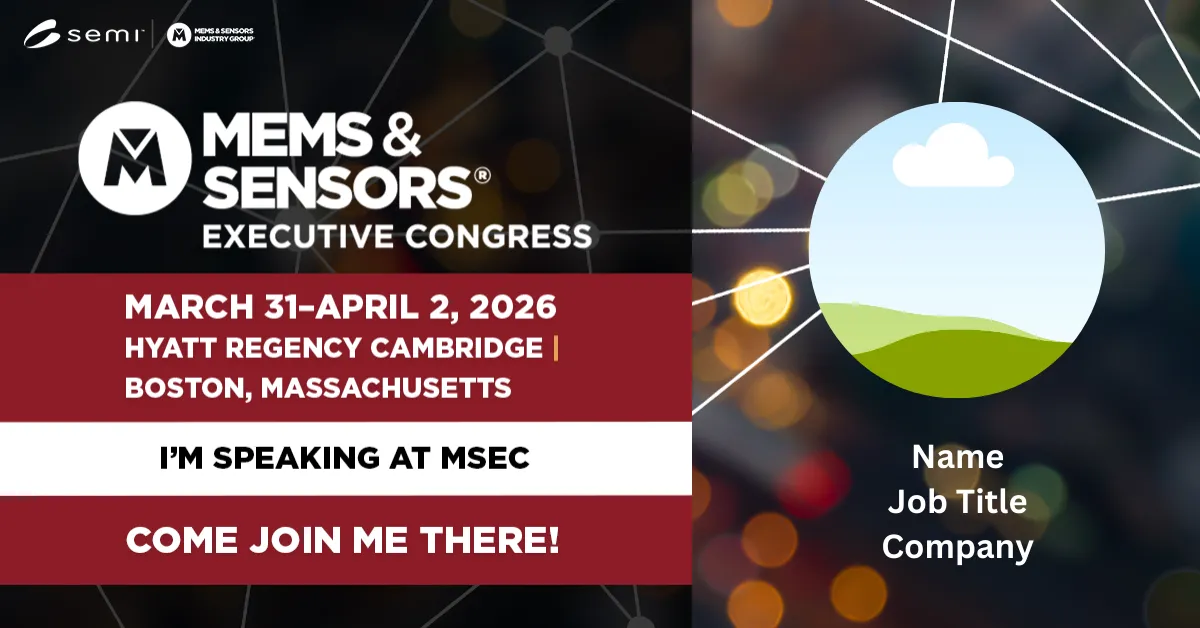
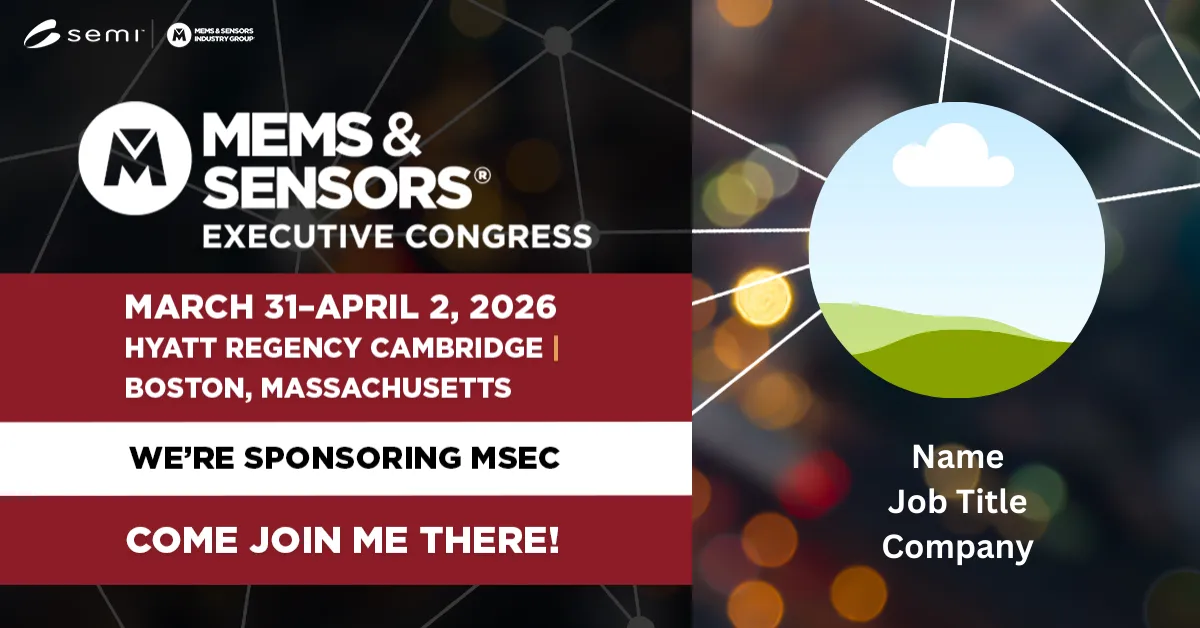
Invite your colleagues by sharing one of the custom posts below.
1. Click on the image that best applies to you.
2. You'll be directed to the LinkedIn post and given an option to like, comment, repost, or send below the image.
3. To share our post with your network, click "Repost" then "Repost" again to automatically share the post to your network.
4. Add a personal message by clicking "Repost with your thoughts." Feel free to edit your message then click on “Post.”

LinkedIn Event
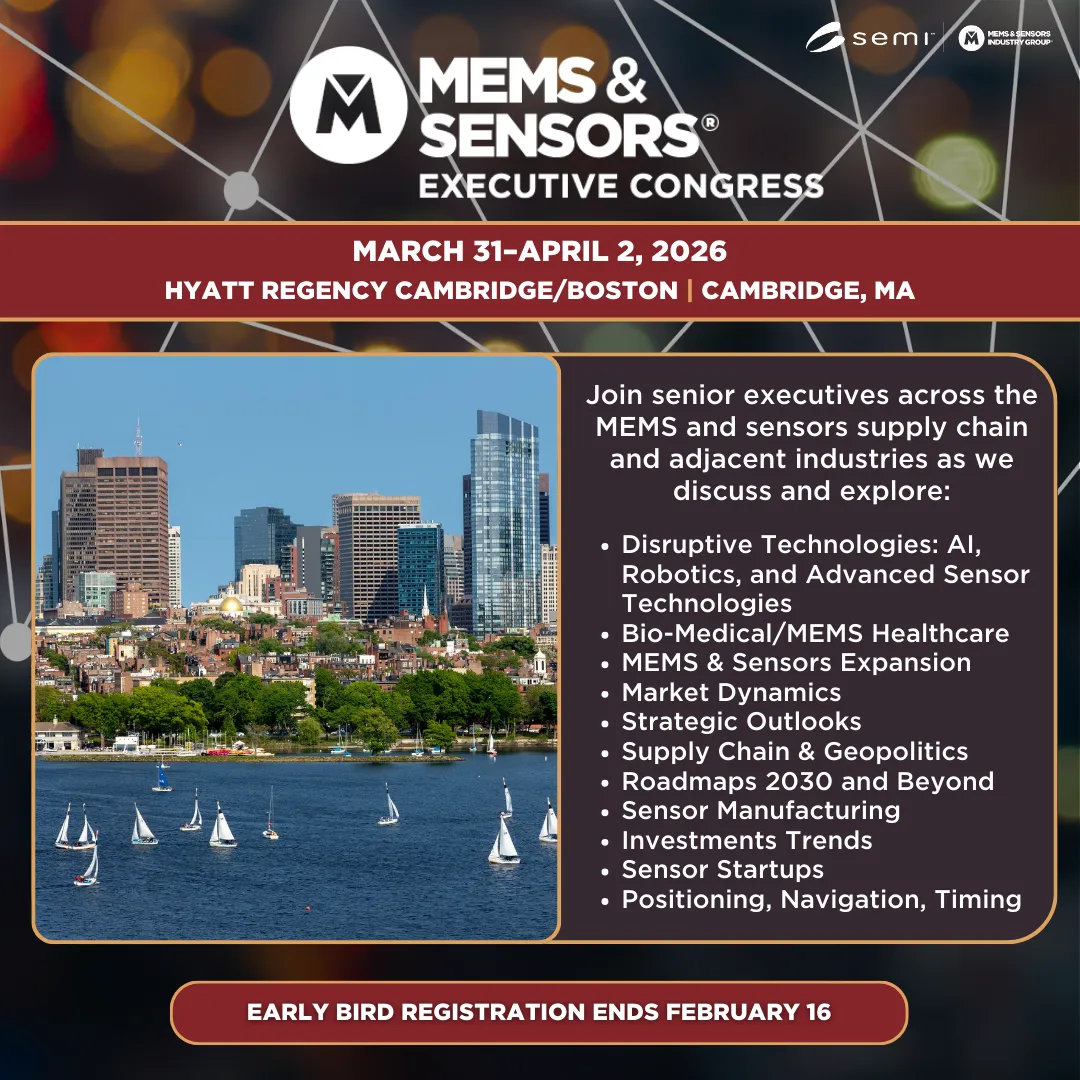
Early Bird Registration

Meet Speakers from Across the Industry
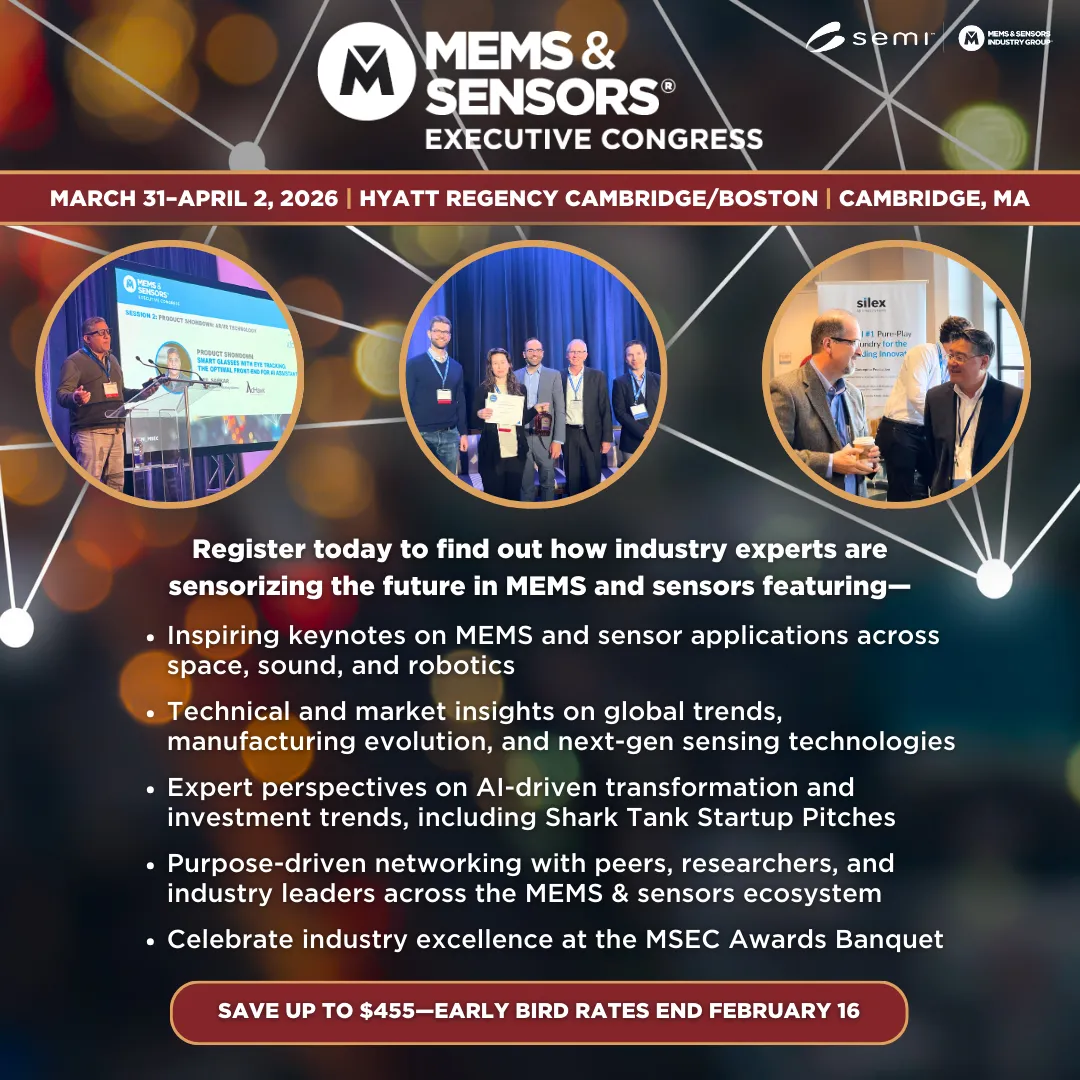
Program Highlights

Keynotes